Snap it, and it files itself.
A personal catalog for the things you own — and the things you spotted and don’t want to forget. Photograph an item or paste a screenshot; Komora recognizes what it is and files it. No account, no notifications, works offline, on iPhone and Mac.

Built the way apps should be
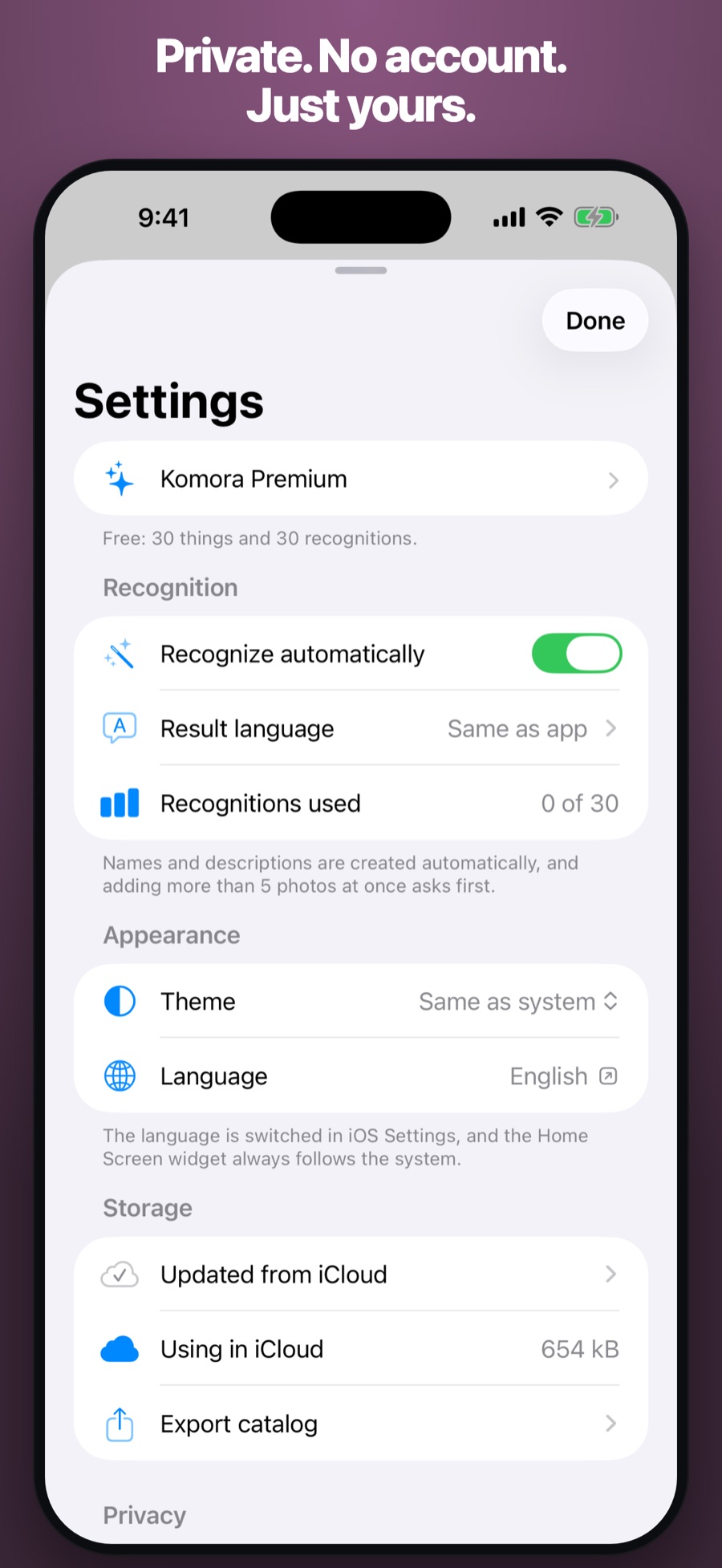
No accounts. No tracking. No dark patterns. Just a tool that works.
Three seconds, and it’s in
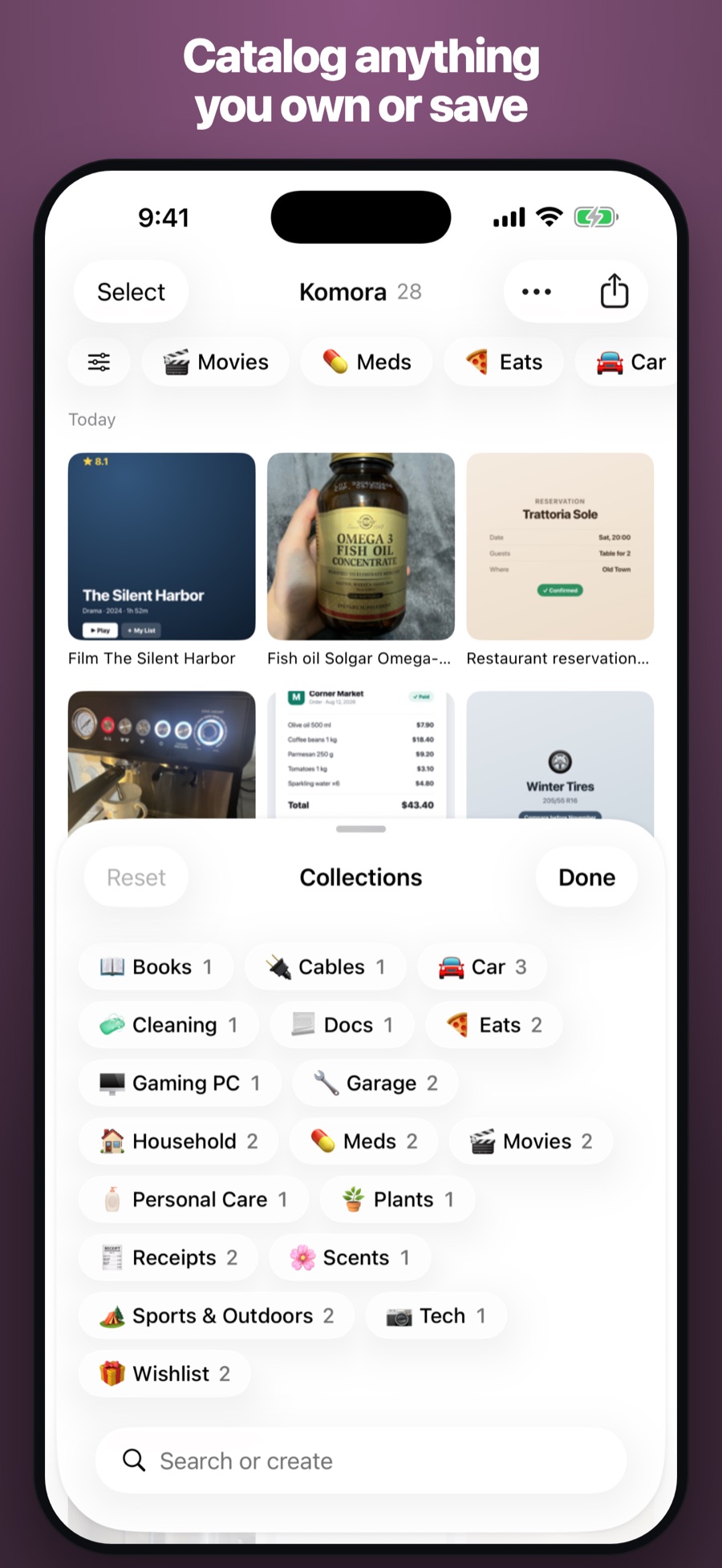
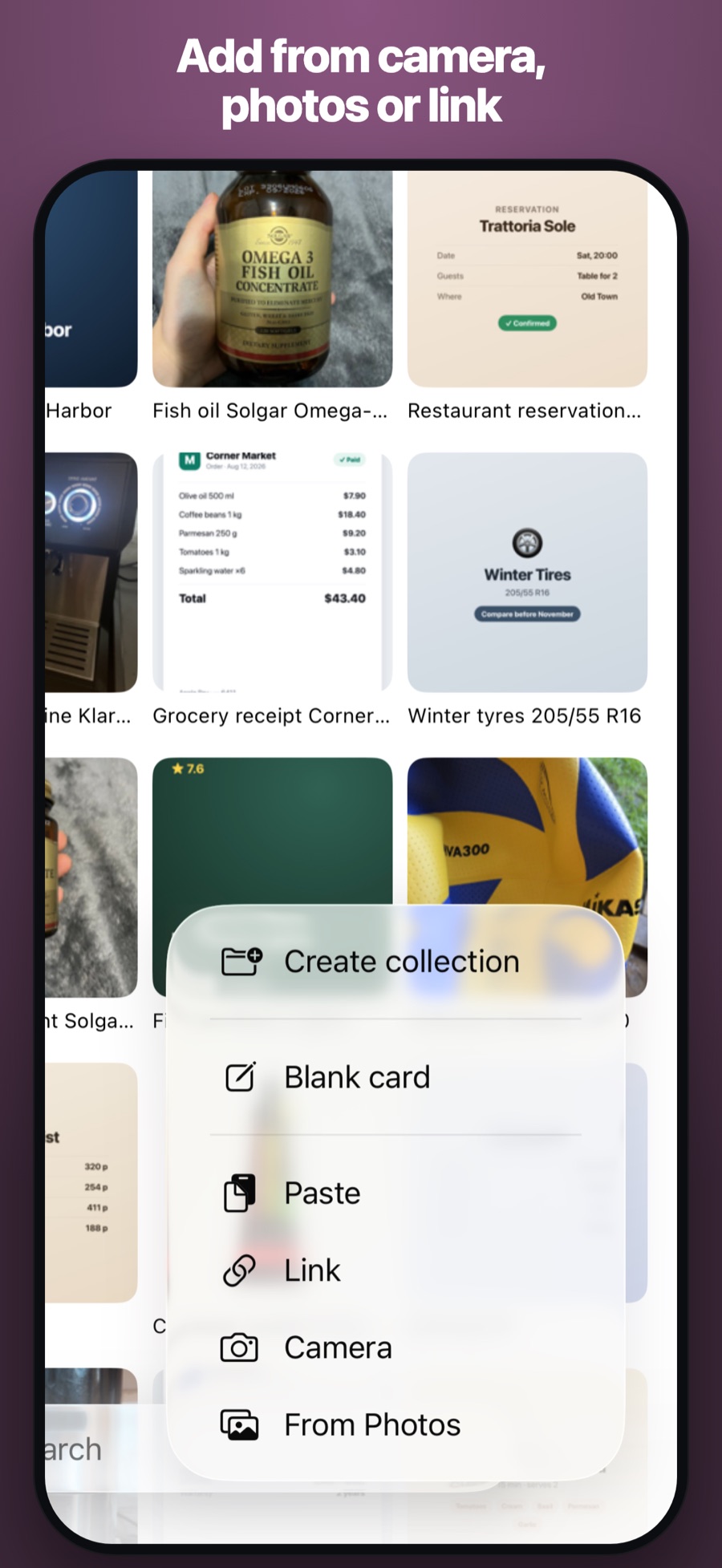
Photograph it, paste a screenshot, share it from any app, or drag a folder onto the Mac. It saves instantly — offline, before anything else happens. A catalog that’s work to keep never gets kept, so adding never is.
It fills itself in
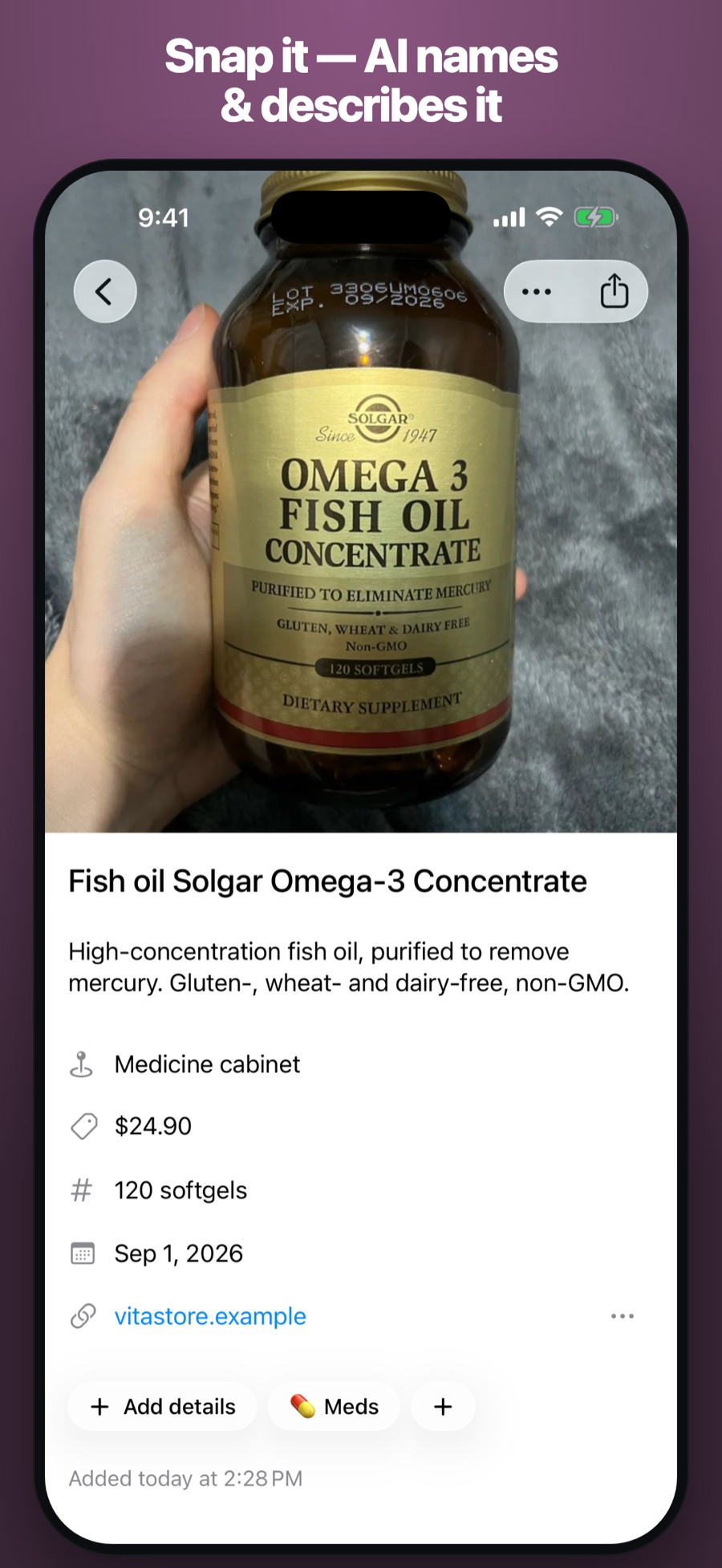
Recognition reads the item and writes the name, description and details — nothing to type. And it takes more than possessions: an Instagram screenshot, a Maps link, a receipt photo all land in the same place.
Find it by any word that was on it
Search covers the name, your notes, and every word Komora read off the photo — so a receipt turns up by its invoice number and a medicine by its active ingredient. No account, works offline, syncs privately over iCloud between iPhone and Mac.
Simple, start to finish
Capture it
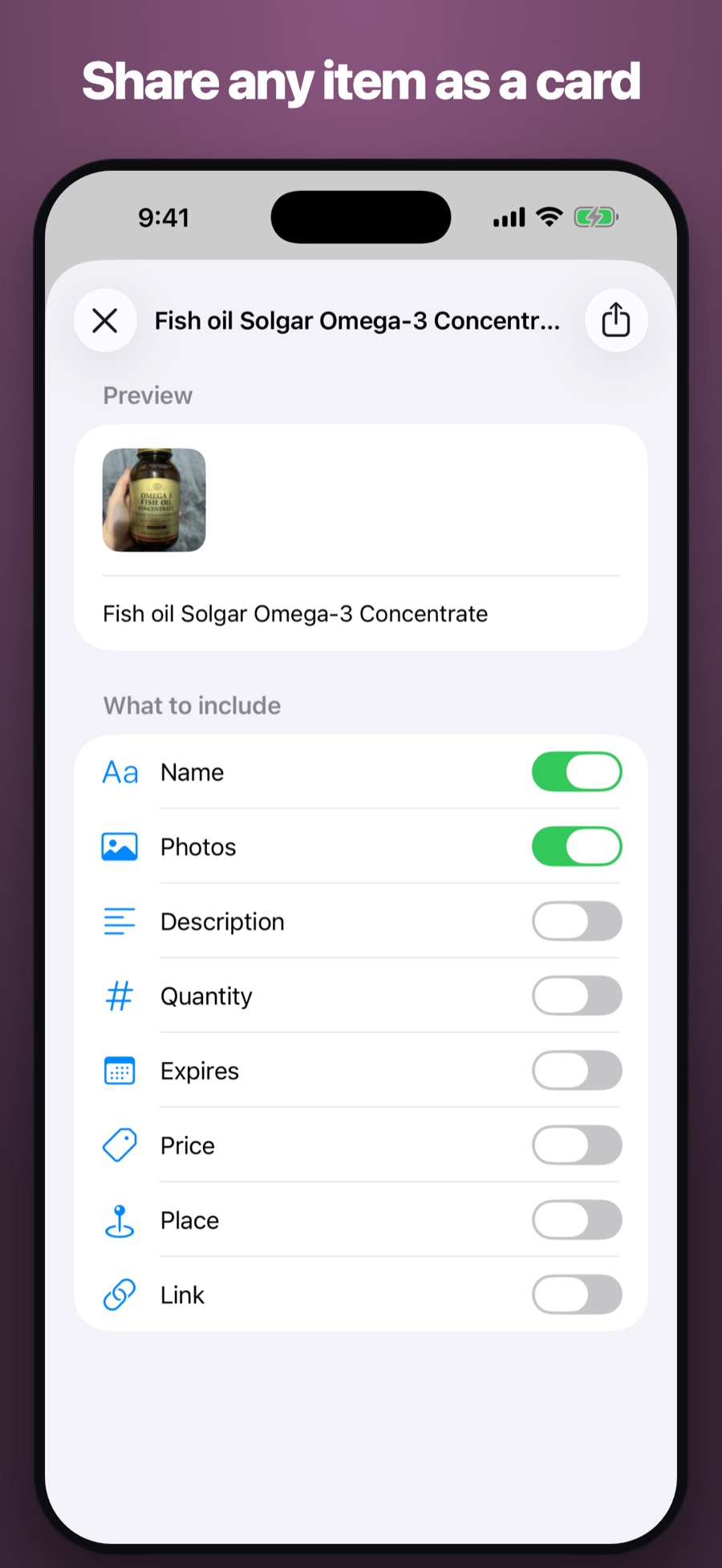
Photograph, paste, share, or drag. One thing, one card — saved before you do anything else.
Let it recognize
Each photo is read on its own, right away. The name and details appear; fix them only if you want.
Find it later
Search any word printed on it. Sort into collections whenever you feel like it — an unnamed item is perfectly fine.
Fair and simple
Try everything free. Upgrade only if it earns it.
Enough to know if it’s for you.
- 30 items
- 30 recognitions (one-time, not per month)
- Full-text search & Spotlight
- iCloud sync across iPhone & Mac
- Higher limits
- Up to 5 photos per item
For people who use it every day.
- 10,000 items
- 3,000 recognitions per month
- Up to 5 photos per item
- Full-text search & Spotlight
- iCloud sync across iPhone & Mac
Cancel any time.
Questions, answered
Is this an inventory app for insurance?
No — that’s a different, once-a-year job. Komora is for everyday knowledge: what’s in the medicine cabinet, whether you already own that key, where the receipt is. Because you reach for it a few times a week, adding has to take three seconds.
Do I need an account?
No sign-up, no email, no password. Open it and use it. Your catalog syncs privately between your iPhone and Mac through your own iCloud.
Can it save screenshots and links, not just things I own?
Yes — that’s the point. An Instagram screenshot, a Google Maps link, a receipt photo, a product page all go in. Half of what people save is something they saw, not something they own.
Does it work offline?
Yes. Everything saves instantly on your device; recognition and iCloud sync catch up when you’re back online. Offline, it can even read the text off a package to suggest a name — one tap instead of typing.
Will it remind me about expiry dates?
Never. Komora sends no notifications of any kind — not for expiry, not for anything. It never writes first.
Why a subscription and no lifetime option?
Every recognition costs real money each time it runs. A single “pay once, forever” price for an ongoing cost is the kind of thing that kills an app in two years — so there isn’t one.